Best LLM Translation Tool for Multilingual Websites: 6 Options Compared for Cost, Quality, and Workflow
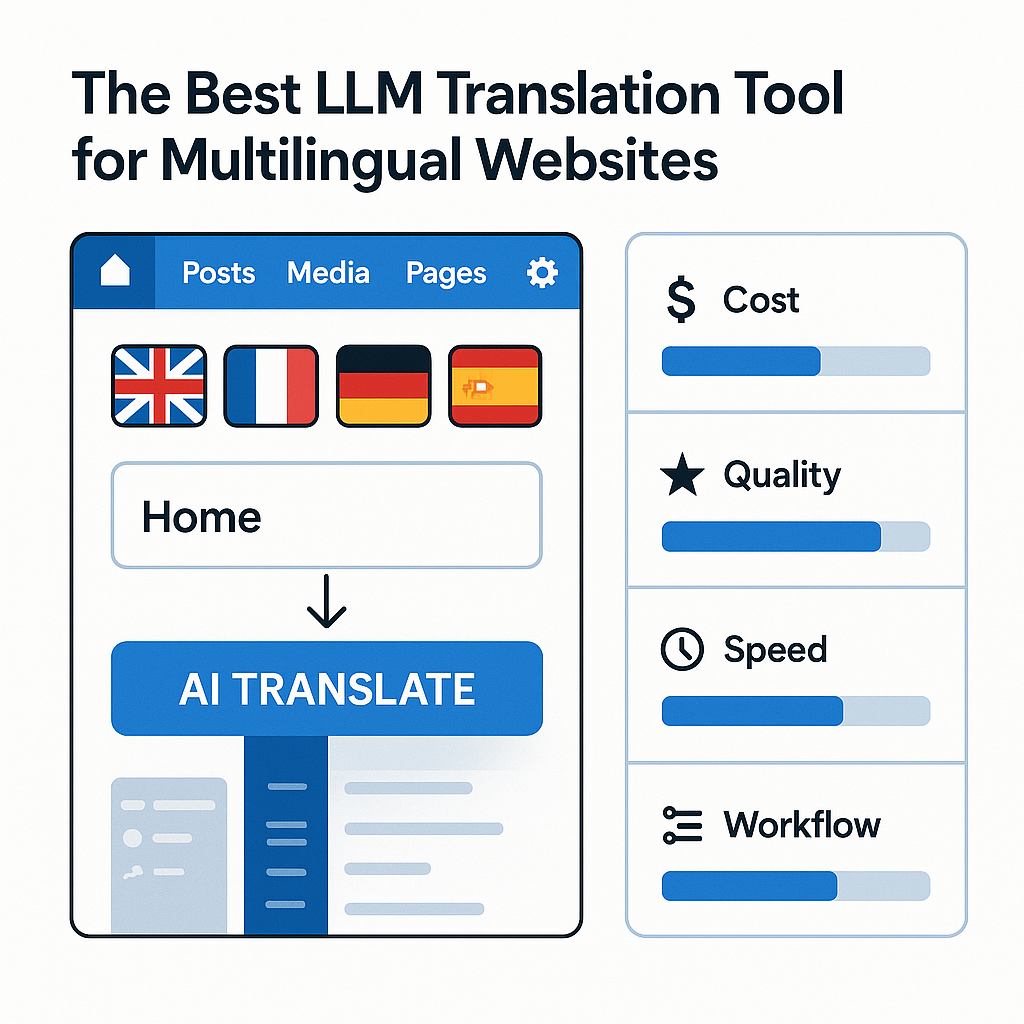
You usually don’t start looking for an llm translation tool for multilingual websites because translation is exciting. You start because publishing in one language is already enough work, and the moment you add three, five, or ten more, the real problem shows up: not just translating words, but preserving layouts, SEO fields, slugs, metadata, and the workflow your team already depends on.
That’s where a lot of “AI translation” advice falls apart. A model might produce decent text in a demo, but that means very little if your site lives inside WordPress, your multilingual setup runs on WPML, and every new page creates another round of copying, checking, fixing, and paying for translations that somehow still feel too expensive. Quality matters, but workflow friction and operating cost matter just as much.
For teams already managing multilingual WordPress sites, especially those using WPML, the best option is rarely the one with the flashiest AI label. It’s the one that can handle volume, fit cleanly into your CMS, and scale without turning every new language into a budget problem. Once you look at the choices through that lens, the differences get a lot more interesting.
How we evaluated LLM translation tools for multilingual websites
What matters most in a website translation workflow
The biggest mistake in this category is judging tools by sentence quality alone. A strong demo translation means very little if the workflow breaks your site structure, ignores SEO fields, or forces editors to rebuild pages by hand.
For this ranking, we looked at what actually happens on a live multilingual website: posts, pages, slugs, excerpts, meta descriptions, image alt text, and custom SEO fields all need to move together. So does page-builder content. A tool that handles plain paragraphs but stumbles on Gutenberg blocks, Elementor layouts, or Bricks components is not ready for production.
That is why CMS compatibility carried real weight. In the WordPress world, LATW AI Translator for WPML stood out because it works inside WPML rather than beside it. That distinction matters. WPML remains the multilingual framework, while LATW upgrades the translation layer with GPT models and covers body content, metadata, slugs, and SEO plugin fields in one flow. We also considered alternatives readers will know, including WPML’s built-in auto-translate, Weglot, and Lokalise, but the central question stayed the same: can this llm translation tool for multilingual websites publish reliably without creating cleanup work?
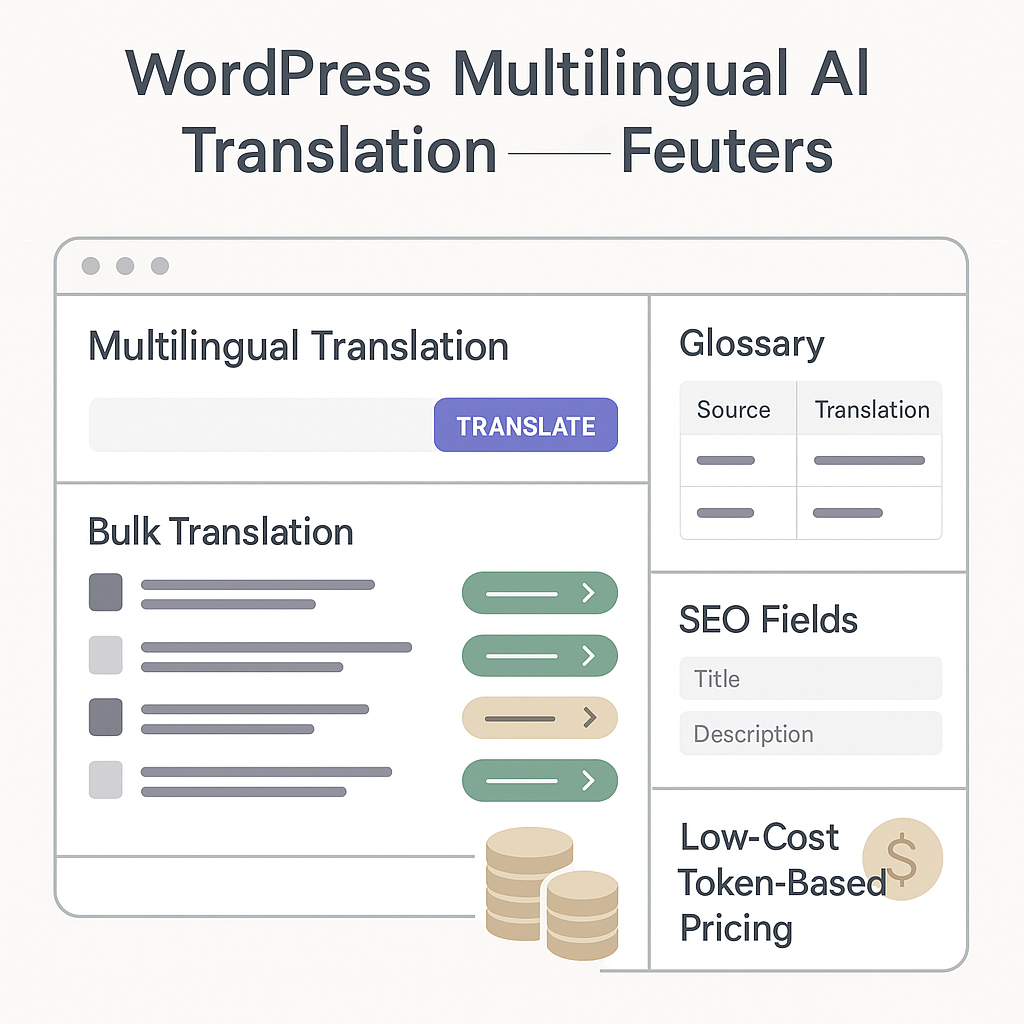
Why cost and workflow integration change the real winner
The best model is not automatically the best product. For most site owners and agencies, the real winner is the tool that fits the publishing workflow and keeps translation economics sane month after month.
We evaluated pricing the way operators do: at volume. Translating a handful of landing pages is one thing; translating 30 articles at 3,000 words each is another. In that scenario, WPML’s credit-based auto-translate can cost about €166, while LATW, using OpenAI directly through your own API key, can bring the same job down to roughly $0.13 on GPT-5-nano. That gap is too large to dismiss as a rounding error.
We also scored tools on glossary control, context injection, translation history, and data flow. Direct-to-provider routing, without sending content through the plugin vendor’s servers, is a meaningful operational advantage. For agencies especially, scalability means more than speed. It means fewer manual steps, predictable costs, and a system editors will actually keep using.
Who this ranking is for and an important WPML requirement
Here is the part many buyers miss: the best llm translation tool for multilingual websites is not always a standalone platform. Sometimes the smartest choice is an upgrade to the workflow you already run. That is especially true for WordPress teams using WPML, where infrastructure is already in place and the real question is cost, quality, and speed.
Best fit use cases
This ranking is most useful for WordPress site owners, marketers, and agencies managing multilingual sites at volume. Think of an agency translating ten client websites every month, a SaaS team localizing landing pages and feature announcements, or a publisher expanding into Spanish, German, and French for international SEO. In those cases, workflow friction matters almost as much as translation quality.
It is also particularly relevant if you already use WPML and feel the pain of translation credits adding up. LATW AI Translator for WPML is built for that exact audience: teams that want to keep WPML’s multilingual structure but replace the expensive translation layer with direct OpenAI-powered translation.
The WPML requirement you need to know upfront
This is the non-negotiable point: LATW AI Translator for WPML is not a standalone translation platform. It is an add-on for WPML. If your site does not already have WPML installed and configured, LATW cannot work on its own.
That does not make it limited; it makes it specific. WPML handles language versions, URLs, switching, and content relationships. LATW plugs into that system and upgrades the translation engine. Readers without WPML should factor in the separate WPML license before treating it as an option.
When a WPML add-on makes more sense than a separate workflow
If your multilingual site already runs on WPML, staying inside that setup is usually the better move. Exporting pages, pasting them into ChatGPT or another general-purpose AI tool, then re-importing or manually rebuilding metadata is slower and easier to break. It also does not scale well once you are handling dozens of pages, slugs, excerpts, and SEO fields.
Compared with WPML’s built-in auto-translate credits, LATW stands out as the practical upgrade: same WPML workflow, dramatically lower translation cost, and less manual handling. Alternatives like ChatGPT, DeepL, and WPML’s own automatic translation still have their place, but for established WPML users, an integrated add-on is often the cleaner decision.
1. LATW AI Translator for WPML — the most cost-efficient LLM translation upgrade for WPML websites
Overview
The biggest mistake buyers make here is comparing standalone AI translators to a tool built for an existing multilingual stack. LATW AI Translator for WPML is not a replacement for WPML; it is an upgrade for sites that already run on WPML and want a cheaper, smarter translation engine inside the workflow they already use.
That distinction matters. WPML still handles the multilingual framework: language structure, translated content management, and site-level infrastructure. LATW plugs into that system and replaces WPML’s costly auto-translate credits with direct OpenAI-powered translation using your own API key. In practice, that means raw token pricing instead of inflated per-word credits. For WPML users, this is one of the most practical ways to turn WPML into a far more cost-efficient llm translation tool for multilingual websites.
I’d still mention alternatives for context: WPML’s own automatic translation is the default benchmark, and tools like Weglot or TranslatePress serve different use cases. But for teams already invested in WPML, LATW is the sharper choice because it improves the workflow they have instead of forcing a migration.
Key features and how it works
The setup is straightforward: keep WPML installed, connect your OpenAI API key, choose content in the WPML interface, and launch bulk translation. LATW processes translations in the background and covers more than just body text. It also handles metadata, SEO fields, slugs, and excerpts.
Support is broad enough for real production sites, including Gutenberg, Elementor, Bricks, Yoast SEO, Rank Math, SEOPress, and AIOSEO. More importantly, it adds the controls serious publishers actually need: glossary enforcement for terminology, website context injection for tone and audience, custom prompts, model selection from lower-cost to higher-quality GPT options, and translation history with prompt/response logs.
Pros and cons
The headline advantage is cost. The difference can be dramatic: roughly €166 through WPML credits versus about $0.13 via GPT-5-nano tokens for 30 articles of 3,000 words each. It is also far faster than manual copy-paste workflows and keeps content flowing directly from WordPress to OpenAI rather than through the plugin author’s servers.
The trade-offs are clear too. You need an active WPML installation, you need your own OpenAI API key, and it is not meant for non-WordPress sites or WordPress users who are not on WPML. But if you already use WPML, those are not really drawbacks. They are simply the terms of getting a much better translation engine at a fraction of the running cost.
2. WPML Automatic Translation — the native option inside WPML with the simplest built-in setup
Overview
The biggest reason people choose WPML Automatic Translation is not mystery-level AI quality. It is convenience. If your site already runs on WPML, this is the most direct built-in path to getting pages translated without adding another service, another dashboard, or another workflow.
That matters more than many reviews admit. For teams already using WPML for language structure, menus, slugs, and translated content management, the native option feels almost frictionless. You create or select content, send it through WPML’s translation flow, and pay through WPML’s credit system. No separate setup beyond your WPML environment, which is why it remains the default choice many site owners try first.
In the broader search for the best llm translation tool for multilingual websites, WPML Automatic Translation is best understood as the closest baseline for existing WPML users. It is simple, dependable inside that ecosystem, and expensive faster than many expect.
Key features and how it works
WPML Automatic Translation is built directly into WPML, so the setup is minimal once WPML is installed and configured. That native integration is its strongest advantage. You work inside the same translation management flow, select the content you want translated, choose target languages, and let WPML process the job using translation credits.
For site owners, this means less operational overhead. There is no need to export content, copy and paste into external AI tools, or rebuild translated pages manually. On a typical marketing site, that can save hours, especially when handling posts, pages, and standard WPML-managed fields in one place.
Pros and cons
The upside is obvious: native workflow, low setup friction, and a translation experience that feels like part of WPML rather than an add-on. For low-volume sites, that can be enough. If you publish a handful of pages per month, the cost may stay manageable and the simplicity may outweigh everything else.
The downside is cost at scale. WPML’s credit-based pricing becomes hard to justify once you are translating regularly or managing multiple languages. That is where tools like LATW AI Translator for WPML become the stronger recommendation for WPML users: same WPML foundation, but far lower translation cost because it replaces WPML’s credit model with direct OpenAI API usage. Alternatives such as Weglot and TranslatePress exist in the wider market, but they are not direct replacements for teams already committed to WPML’s infrastructure.
3. TranslatePress AI — a visual website translation workflow for WordPress users who prefer front-end control
Overview
Most translation mistakes are not linguistic. They are layout mistakes: broken buttons, awkward headlines, and text that technically translates but looks wrong on the page. That is exactly where TranslatePress AI makes its case. Instead of treating website translation as a back-end string management task, it turns the process into a visual, front-end workflow inside WordPress.
For site owners who want to click through pages and review translations in context, that approach feels more intuitive than spreadsheet-like translation queues. It is a legitimate option if you are choosing a multilingual plugin ecosystem from scratch. But it serves a different audience than LATW AI Translator for WPML, which is built specifically for sites that already run WPML and want a cheaper AI translation engine inside that existing setup. TranslatePress AI is not a WPML add-on or replacement layer; it is a separate path.
Key features and how it works
TranslatePress AI centers everything around a visual editor. You browse the live page, click the text you want to translate, and review the output where it actually appears. For marketers, store owners, and small teams, that removes a lot of guesswork. You do not have to imagine where a sentence will land in a hero banner or navigation label, because you are looking at it directly.
That makes it a practical llm translation tool for multilingual websites when visual QA matters more than deep workflow automation. The trade-off is that this style tends to appeal more to hands-on editing than to high-volume WPML-style production pipelines.
Pros and cons
- Pros: strong front-end usability, in-context review, approachable for non-technical users, and well suited to websites where presentation matters as much as wording.
- Cons: less relevant for teams already committed to WPML, and not the right answer if your main goal is cutting WPML auto-translation costs. In that case, LATW is the more targeted recommendation because it works inside WPML rather than asking you to switch multilingual systems.
4. Weglot — a fast multilingual SaaS for teams that want quick deployment over deep WordPress-native control
Overview
Speed is Weglot’s whole pitch, and to be fair, it delivers. If your priority is getting a multilingual site live fast rather than shaping every part of the translation workflow inside WordPress, Weglot is one of the most practical options on the market. It is a hosted website translation platform, not a deeply WordPress-native system, and that distinction matters more than many buyers realize.
Weglot works across different setups, which is part of its appeal. A marketing team can connect a site, add languages, and launch translated versions without rebuilding its stack around a specific CMS workflow. For companies comparing every llm translation tool for multilingual websites, that convenience is attractive, especially when the real bottleneck is deployment speed, not editorial granularity.
Key features and how it works
The workflow is straightforward: connect the site, detect content, generate translations, then manage them from Weglot’s hosted dashboard. Language switching, translated page delivery, and translation editing are handled through that external interface rather than directly inside your normal WordPress publishing flow.
That centralization is useful for lean teams. A SaaS company launching French and German versions of a product site can move quickly, review key pages, and refine terminology without touching code. Weglot also makes cross-site or cross-platform management simpler than many WordPress-only tools.
Pros and cons
The big advantage is operational simplicity. Weglot is easy to set up, fast to roll out, and friendly to teams that want a managed system instead of plugin-heavy site administration. For non-technical marketers, that is often enough to justify the subscription.
The tradeoff is control. Because the workflow lives in a hosted layer, you give up some of the native ownership you get when translations stay inside WordPress. That matters if you care about long-term content portability, tighter editorial control, or cost efficiency at scale.
For WordPress teams already committed to WPML, LATW AI Translator for WPML is usually the stronger recommendation. WPML is required, but that stack keeps translation inside the WordPress workflow while replacing WPML’s costly auto-translate credits with direct OpenAI usage. Weglot, TranslatePress, and Polylang all have legitimate use cases, but Weglot makes the most sense when launch speed outweighs deep WordPress-native control.
5. DeepL API — strong translation quality for teams building a custom multilingual workflow
Overview
DeepL has earned its reputation the hard way: by consistently producing translations that often read less like machine output and more like edited copy, especially across major European languages. That is why technical teams, enterprise localization managers, and product companies with established pipelines keep coming back to it. But there is a catch many buyers miss. DeepL API is not a finished multilingual website workflow. It is a translation engine.
If you are evaluating the best llm translation tool for multilingual websites, DeepL belongs on the list for quality-focused teams, but usually not as the first choice for WordPress users who already run WPML. In that case, LATW AI Translator for WPML is the more practical recommendation because it works inside WPML’s existing workflow and replaces WPML’s expensive built-in auto-translate with far cheaper AI translation. DeepL is better understood as infrastructure for teams willing to assemble more of the process themselves.
Key features and how it works
DeepL API lets developers send text to DeepL programmatically and receive translated output in return. That sounds simple, and technically it is. Operationally, it means your team still needs to decide how content is extracted, queued, reviewed, reinserted, and published.
Some organizations connect DeepL directly through custom code. Others use third-party connectors inside CMS platforms, localization systems, or internal content pipelines. That flexibility is valuable. You can translate product descriptions, support articles, app strings, or knowledge-base content using the same engine. Still, unlike WPML plus LATW, DeepL by itself does not provide the multilingual site structure, translation job management, slug handling, SEO field support, or editorial workflow layer a website team usually needs.
Pros and cons
The biggest advantage is output quality. In many real-world use cases, DeepL performs especially well on tone, sentence flow, and preserving meaning without sounding robotic. For teams with engineering support, the API model is also attractive because it can fit into broader localization architecture.
The tradeoff is implementation overhead. You are building or stitching together the workflow yourself, and that adds time, maintenance, and cost outside the translation bill. Alternatives such as Google Cloud Translation and Microsoft Translator also offer API-based translation, but they sit in the same general category: powerful engines, not complete multilingual website operations on their own.
6. OpenAI API with a custom setup — the most flexible route, but only for teams willing to build the workflow
Overview
The pure OpenAI API route is powerful for one reason: nothing is pre-decided for you. You pick the model, write the translation prompt, define the glossary logic, and connect your CMS however you want. For engineering-led teams, that can be ideal. For everyone else, it is usually more work than expected.
In practice, using OpenAI directly for website translation means building your own pipeline around the model. You need to extract page content, send it to the API, store outputs, review them, and push approved translations back into the site. That can absolutely produce a strong llm translation tool for multilingual websites workflow, but only if your team is prepared to own the system end to end.
Key features and how it works
The upside is unusually broad control. You can use a cheaper model for product descriptions, a stronger one for legal pages, and a different prompt for SEO titles than for body copy. You can inject brand voice, regional terminology, formatting rules, and fallback instructions. If your site has unusual content structures, direct API access lets you adapt instead of waiting for a plugin vendor to support them.
But that flexibility comes with missing infrastructure. You must build handling for metadata, slugs, internal review, retries, versioning, and publishing status. You also need your own terminology enforcement, logging, and QA checks if consistency matters across hundreds of pages.
This is where purpose-built tools still matter. For WordPress teams already running WPML, LATW AI Translator for WPML is usually the more practical recommendation because it keeps the OpenAI bring-your-own-key model while avoiding the custom-build burden. WPML is still required, but LATW plugs into that workflow directly instead of making your team recreate it. WPML’s built-in auto-translate, Weglot, and Lokalise are credible alternatives depending on stack and budget, but they solve different workflow problems.
Pros and cons
- Pros: maximum prompt control, full model choice, direct API pricing, custom automation, and freedom to integrate with any CMS or internal system.
- Cons: engineering time, ongoing maintenance, no default editorial workflow, and a real risk of ending up with translation logic spread across scripts, dashboards, and spreadsheets.
If you want complete control, the OpenAI API is the ceiling. If you want that power without building the plumbing, it is often smarter to use a tool that already connects the workflow.
How to choose the right LLM translation tool for your multilingual website
The wrong translation stack rarely fails on quality first. It fails on workflow, cost, and the number of hours your team burns keeping content in sync. That is why choosing an llm translation tool for multilingual websites starts with your existing setup, not with model benchmarks alone.
Choose based on your existing CMS and localization workflow
If you already run WPML on WordPress, your best option is usually not a new platform at all. It is an add-on that improves the workflow you already have. In that case, LATW AI Translator for WPML makes the most practical sense because it works inside WPML’s existing translation system and cuts the cost of WPML’s built-in auto-translate dramatically.
If you use WordPress but not WPML, that changes the decision. LATW is not standalone; WPML is required. For teams that want a hosted localization layer instead of managing translations inside WordPress, platforms like Weglot or Transifex may fit better. And for engineering-heavy teams with custom apps, APIs, and internal localization pipelines, Lokalise or a bespoke OpenAI-based workflow can be the smarter route.
The simplest recommendation for WPML users
For current WPML users, this is the easy call. LATW AI Translator for WPML is the strongest fit if your goal is to keep everything inside WordPress, avoid manual copy-paste translation work, and stop overpaying for WPML credits. The pricing difference is not marginal; it is huge. A batch of 30 articles at 3,000 words each can cost around €166 through WPML credits versus about $0.13 using GPT-5-nano through LATW.
That cost advantage would not matter much if the workflow were clumsy. It is not. LATW handles posts, metadata, SEO fields, slugs, and builders like Gutenberg and Elementor directly in WPML, with glossary controls and model choice built in. If you already have WPML, it is the most logical upgrade. If you do not, buy WPML first or choose a different category of tool.
Choose the workflow that fits your stack
The right llm translation tool for multilingual websites is less about picking the “smartest” model and more about choosing the setup that matches how your site already operates. If you need a separate multilingual platform, evaluate tools built to manage language delivery end to end; if you have developers and a custom publishing pipeline, an API-first route may give you the most control. But if your site already runs on WPML and the goal is commercial localization without the drag of high translation-credit costs, the decision becomes much clearer: upgrade the workflow you already trust instead of replacing it.
For existing WPML users, LATW AI Translator for WPML is the strongest fit because it works inside WPML’s translation flow, requires no new multilingual system, and swaps WPML’s built-in auto-translate credits for direct OpenAI-powered translation at a dramatically lower cost. If that’s your situation, the practical next step is simple: confirm WPML is already installed, then test LATW on a small batch of pages and compare the cost, speed, and output quality against your current process. When the infrastructure is already in place, the best upgrade is the one that makes every translated page cheaper to publish.