 LATW AI Translation for WPML
Translate 1400 x cheaper than WPML's Automatic Translation
add-on for WPML | OpenAI · Claude · Gemini · DeepL · Google Translate · MyMemory







Six translation engines, one plugin
Each engine keeps its own API key and its own model, so switching back and forth costs you nothing. Pick the best engine for each language, budget or deadline - MyMemory even runs FREE without an API key.

OpenAI

Anthropic (Claude)

Google Gemini

DeepL

Google Translate

MyMemory
1400 x cheaper
Translating 30 articles (3,000 words each) with WPML Automatic Translation (PTC) costs about €166, while the same content translated using this plugin on a budget-tier model costs roughly $0.126 in tokens. You pay only for raw AI usage - no credits, no inflated per-word pricing, no hidden margins. Switch to Batch mode and that drops by roughly another 50%.
90 x faster
Manually translating 30 articles means copying ~3,000 words per post into a translation tool, pasting everything back, fixing formatting, SEO fields, slugs, excerpts and metadata = ~15 minutes per article (~7.5 hours total). With this plugin the same workload runs automatically in the background in a few minutes - roughly 90× faster, with zero copy-paste.
See how much you save
Move the slider to set how many pages or posts you need translated (~3,000 words each) and compare the cost.
Estimate only. Assumes ~3,000 words per article. WPML cost based on the public PTC pricing table (4 credits/word, tiered volume pricing). Plugin cost based on GPT-5.4-nano pricing ($0.20 / 1M input tokens, $1.25 / 1M output tokens), estimating input tokens as 2× word count and output tokens as 1× word count. Both costs are multiplied by the number of target languages selected. Actual costs depend on content and OpenAI/WPML pricing at time of use.
NOT use this plugin if
You don't use WordPress + WPML
This plugin is built only for WordPress websites using WPML - it won't work with other CMSs or multilingual setups.
You're happy overpaying for WPML Auto Translate
If you prefer paying premium prices for WPML credits instead of raw AI token costs, this plugin is not for you.
You enjoy manual copy-paste workflows
If you have plenty of time and like copying text back and forth between your site and translation apps - including fixing formatting and metadata - you won't need this plugin.
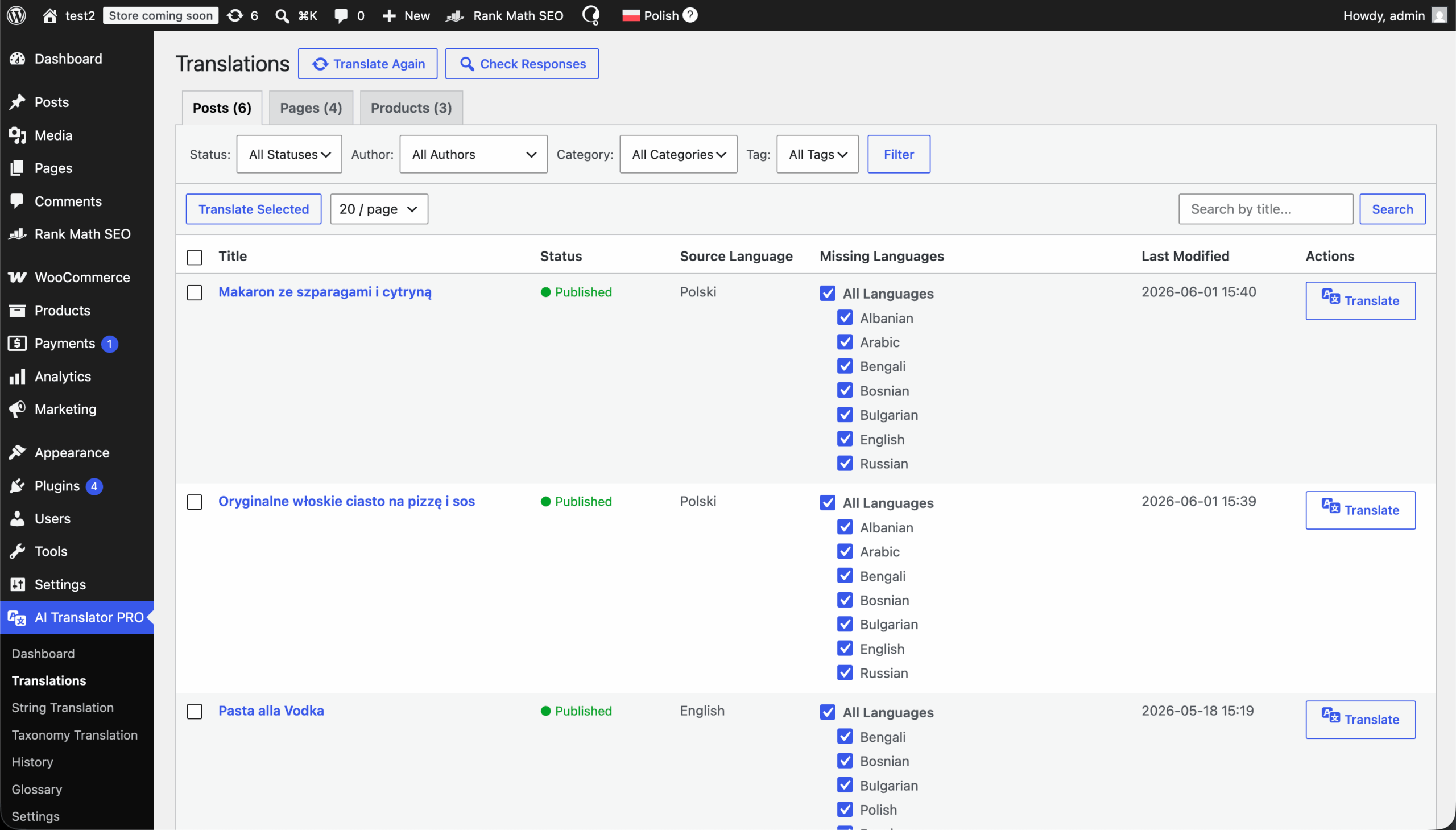
Four simple steps to start
Start translating immediately without unnecessary configuration.
Get pluginDownload plugin, install & activate
Get the latest .zip file. Go to Plugins > Add New in your WordPress dashboard and upload the file.
Pick an engine & enter its API key
Navigate to the plugin Settings > General, choose OpenAI, Anthropic, Gemini, DeepL, Google Translate or MyMemory, then paste that engine's api key and pick a model. Starting with MyMemory needs no key at all.
Add website context (Optional)
Describe what your website is about and how it serves your audience.
Enter License Key
Navigate to the plugin Settings > API Key and paste your license key from this dashboard.
Translate
Select content and submit for translation.
Features
One-Click Translations
Translate posts, pages, custom post types, taxonomies, ACF fields and SEO metadata instantly - no copy-paste, no manual setup.
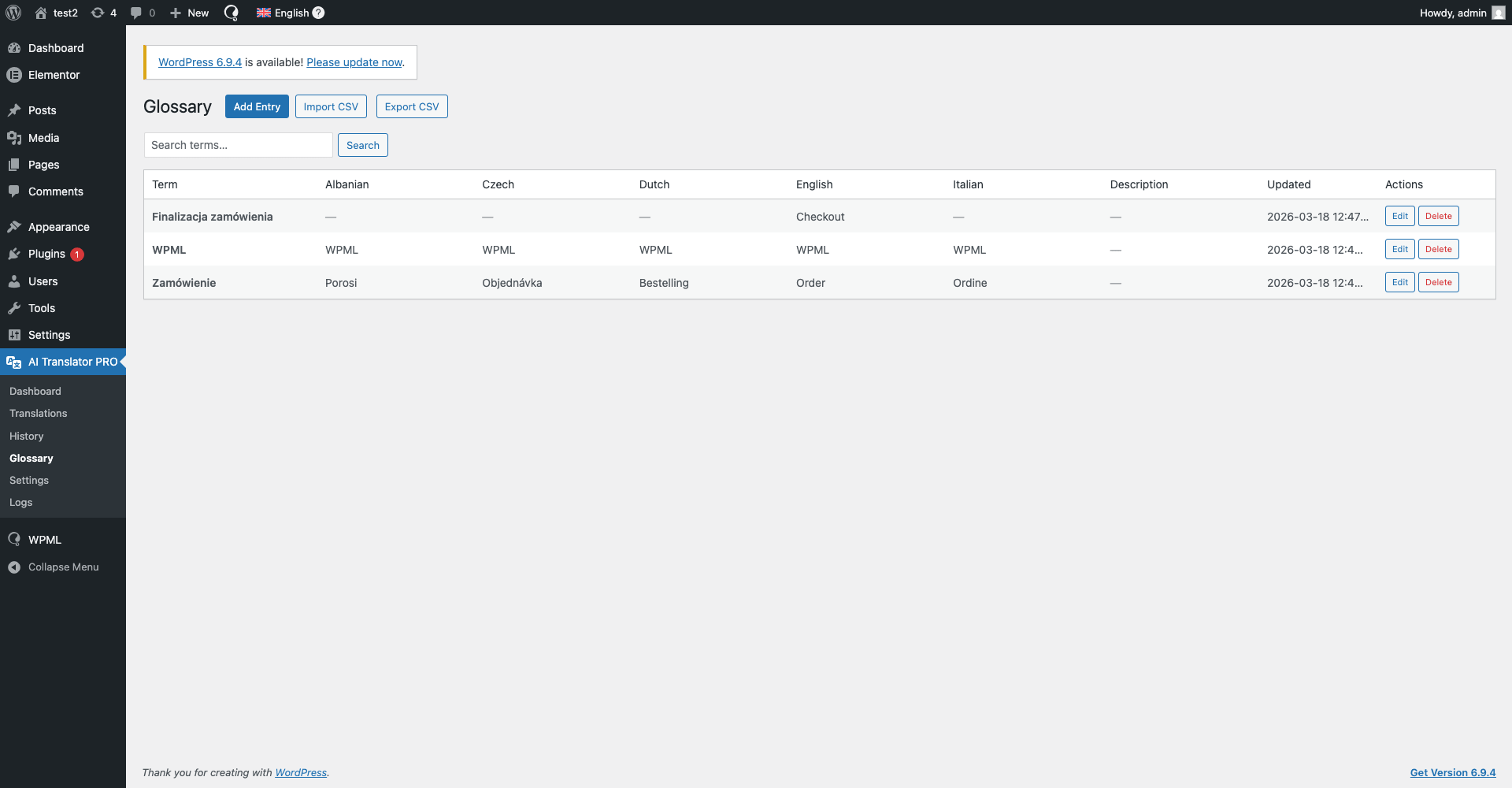
Glossary
Define preferred terms once and ensure they're used automatically across all translations.
Context-Aware Translations
Add custom context inside the plugin - describe your website, tone of voice and audience for more accurate translations.
Newest AI Models
Choose between GPT-5.6 luna / terra / sol and GPT-5.4 nano, Claude Opus 5, Sonnet 5 and Haiku 4.5, and Gemini 3.7 / 3.6 / 3.5 Flash and 3.5 Flash Lite to balance quality, speed and cost.
Data Security
Your content is sent directly to the provider you chose - no intermediate servers, no third-party processing, no data reselling.
Six Engines, Zero Lock-In
Use OpenAI, Anthropic (Claude), Google Gemini, DeepL, Google Translate or MyMemory. Every engine keeps its own key and model, so switching back and forth costs you nothing.
Processing Modes
Run jobs Synchronous for instant results, Batch for around 50% lower cost, or Background (OpenAI only). Unsupported modes fall back to Synchronous instead of failing.
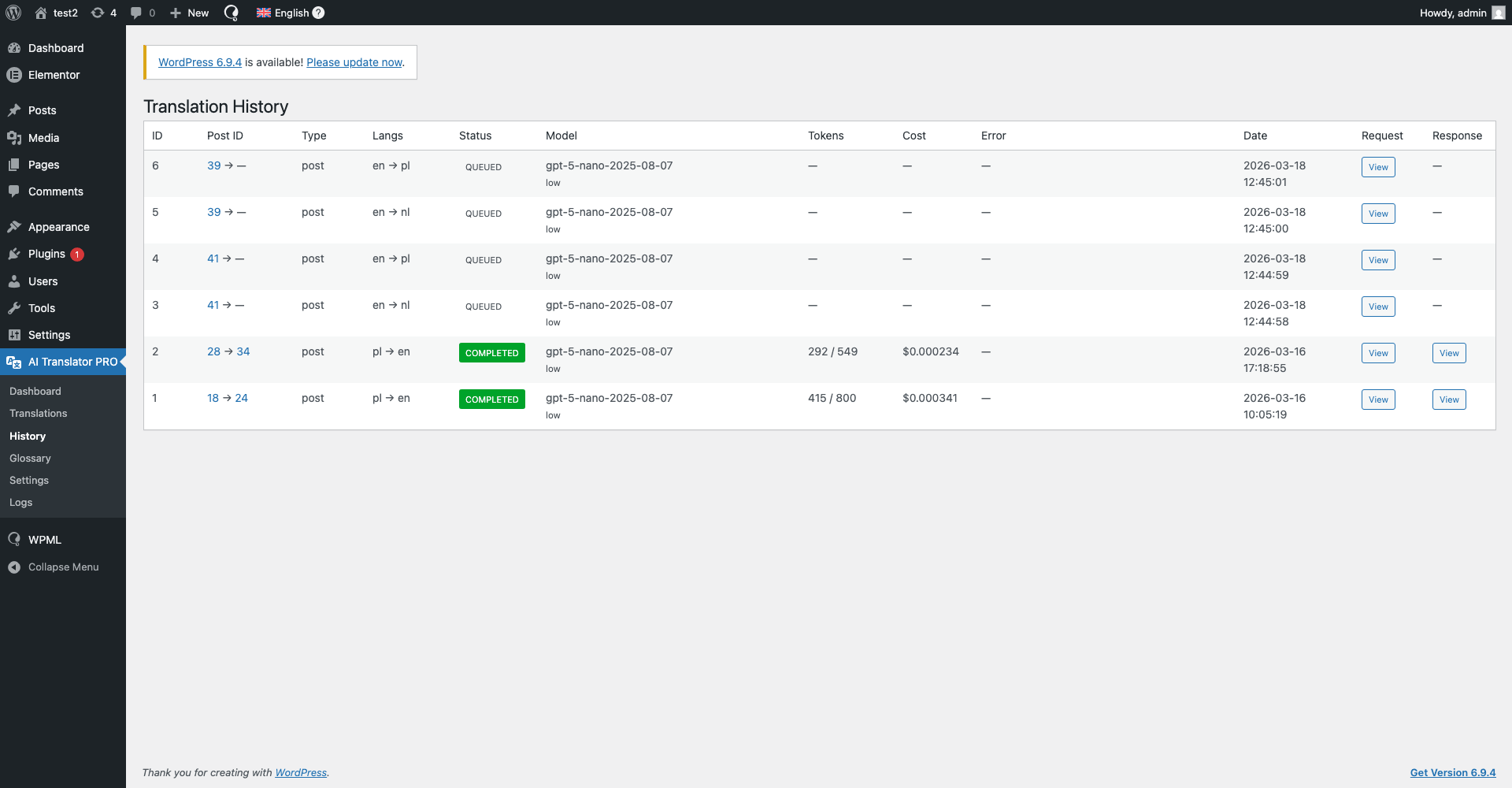
Translation History
Review every translation in one place - which model was used, the prompt sent, the exact response generated and what that job actually cost.
Custom prompt
Use your own prompt for special actions or add a glossary to your translations.
String Translation
Batch-translate all your WPML strings automatically - menus, buttons, plugin and theme text - straight from the plugin.
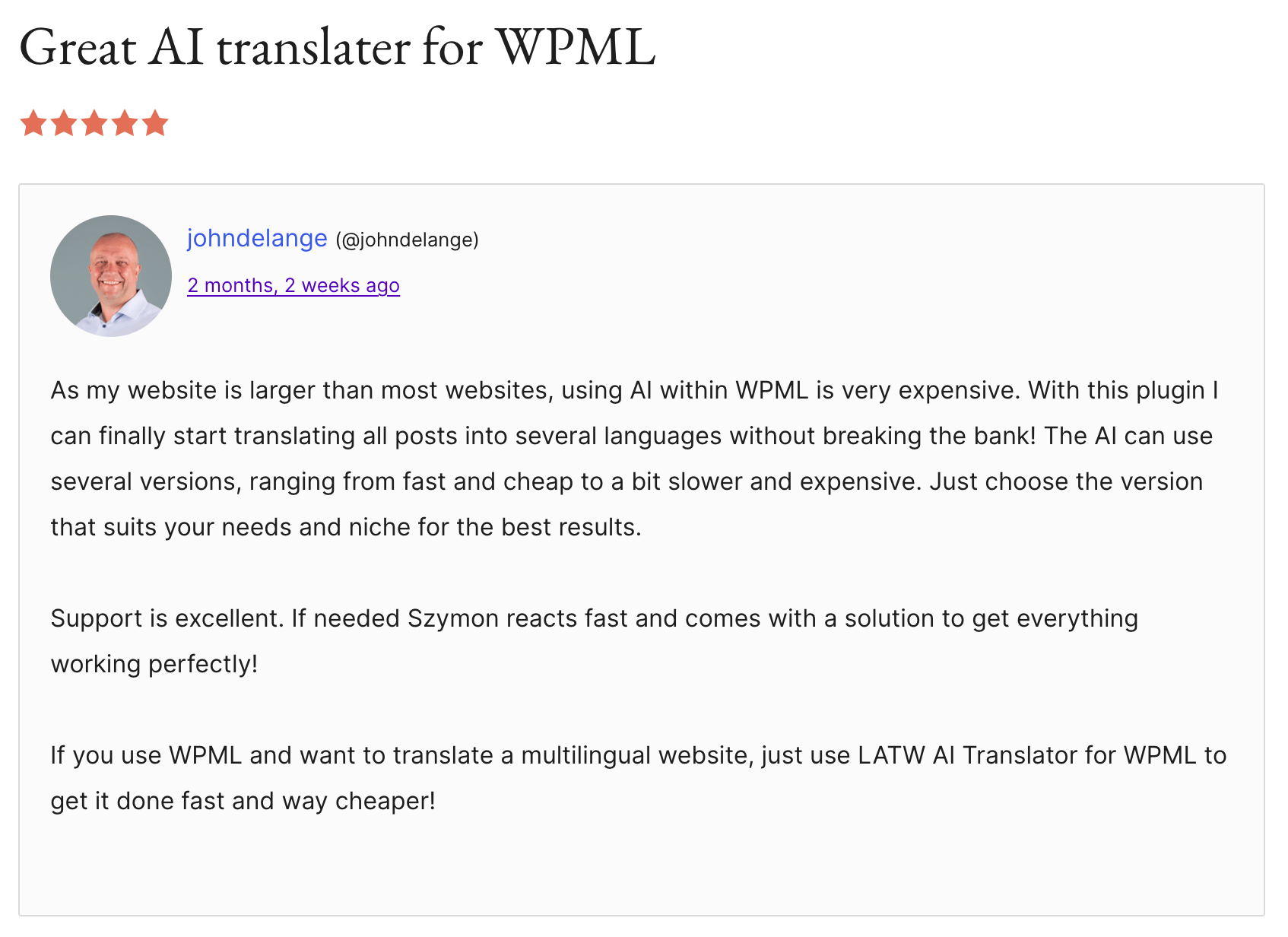
Loved by developers and site owners
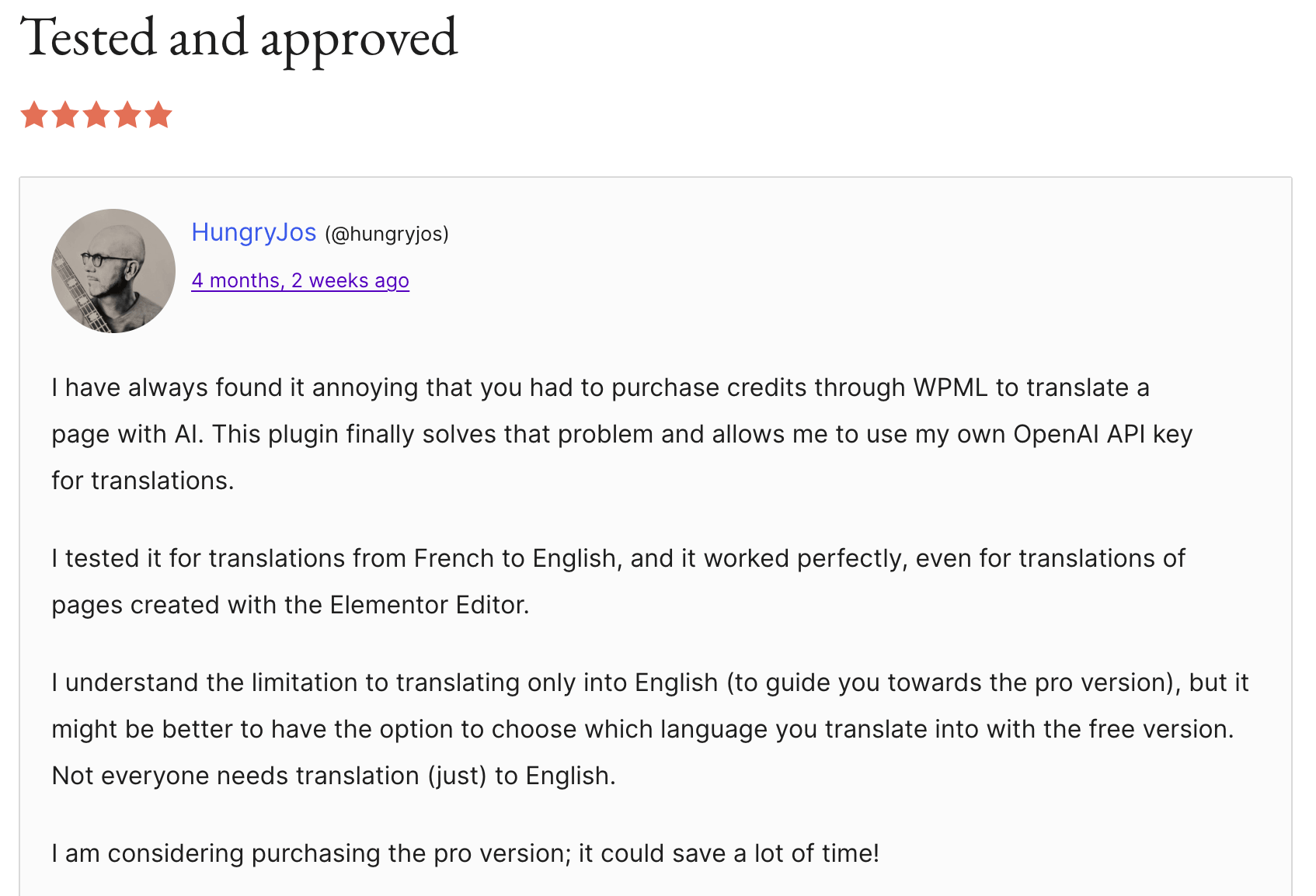
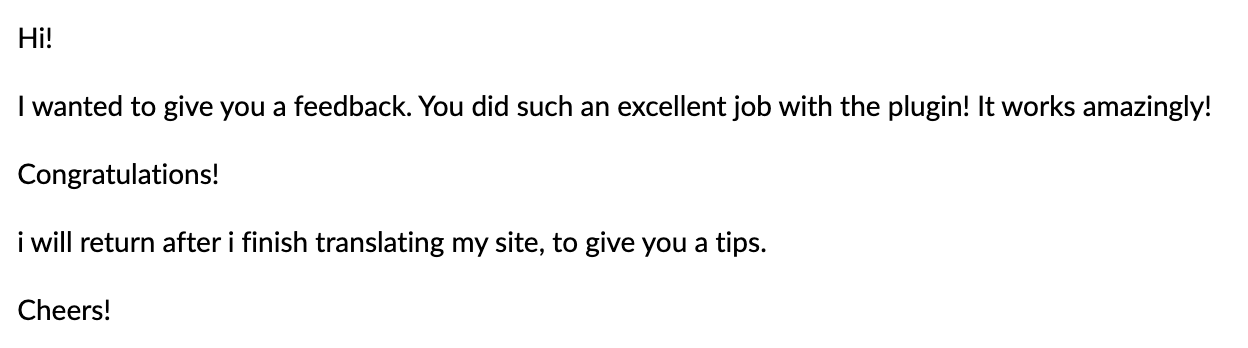
Real reviews from WordPress.org and feedback users sent us by email.
Check reviews on WordPress.org →









I'm Szymon
I've been coding for about 8 years, and honestly, I just enjoy sitting in my room and building things. Apps, plugins, side projects… especially the kind that make work easier, faster, or less annoying.
The first plugin started as an internal tool for another project of mine - Wishgram. We wanted to reach more people with our blog in different languages, but startup budgets are tight and premium auto-translation was way too expensive for us. So I built my own solution for automatic translations. After using it for a while, I realized how ridiculously good it was - and keeping it to myself just didn't make sense.
Pricing
Works with Everything WPML Supports
Seamlessly works with all WPML-compatible plugins thanks to full integration with WPML String Translation, ensuring every piece of content can be translated effortlessly.
Frequently asked questions (FAQ)
We're here to help with all your questions and answers in one place. Can't find what you're looking for? Reach out to our support team directly.
What is LLM Automatic Translation?+
LLM Automatic Translation is a WordPress plugin that works with WPML and automatically translates your website content using modern AI models. You choose the engine: OpenAI, Anthropic (Claude), Google Gemini, DeepL, Google Translate or MyMemory. It registers a dedicated "LATW AI Translator" user inside WPML Translation Management, so anything WPML can send for translation, the plugin can translate.
Do I need WPML to use this plugin?+
Yes. The plugin requires WPML and is designed to work exclusively with it. It will not function without WPML installed and activated.
Does this plugin work with multilingual plugins other than WPML?+
No. LLM Automatic Translation works exclusively with WPML and does not support other multilingual plugins such as Polylang, TranslatePress, Weglot or MultilingualPress. WPML is a strict technical requirement.
Does this plugin work with other builders and SEO plugins?+
Yes, this plugin supports all page builders that are compatible with WPML.
Can I use my own prompt?+
In Pro, yes - you set your own prompt in Settings → Translation and can lock terminology with the glossary. In the free version the prompt is fixed and shown read-only, but you can still add a website description that is sent with every translation.
Which AI providers can I use?+
Six: OpenAI, Anthropic (Claude), Google Gemini, DeepL, Google Translate and MyMemory. Each engine keeps its own API key and its own selected model, so you can switch back and forth at any time without losing your configuration and without paying anything for the switch. MyMemory needs no API key at all.
Which models are available?+
OpenAI: GPT-5.6 luna and GPT-5.4 nano in the free version, plus GPT-5.6 sol, GPT-5.6 terra, GPT-5.5 and more in Pro. Google Gemini: Gemini 3.5 Flash Lite in the free version, plus Gemini 3.7 Flash, 3.6 Flash and 3.5 Flash in Pro. Anthropic: Claude Opus 5, Claude Sonnet 5 and Claude Haiku 4.5, all in Pro. DeepL, Google Translate and MyMemory are dedicated machine-translation engines and do not require a model choice.
What is the difference between the LLM providers and DeepL / Google Translate / MyMemory?+
OpenAI, Anthropic and Gemini are large language models: they read the whole page, follow your website description, custom prompt and glossary, and are billed per token. DeepL, Google Translate and MyMemory are dedicated machine-translation engines: they are fast and predictable, take no instructions, and are billed per character - MyMemory is free within its daily quota.
What are processing modes?+
They decide how your translation jobs are sent. Synchronous returns translations immediately. Batch is around 50% cheaper but delayed. Background is available for OpenAI only. If you pick a mode the selected provider cannot serve, the plugin falls back to Synchronous instead of failing the job.
Do I need my own API key?+
Yes. You must provide your own API key for the provider you want to use. This ensures translations are processed directly between your site and that provider, and the plugin author never accesses your content or API usage.
Where can I find my API key?+
In your account with the chosen provider: OpenAI (API Keys), Anthropic Console, Google AI Studio for Gemini, the DeepL account page, or Google Cloud for Google Translate. Create a key, then copy and paste it into the plugin settings in WordPress. Make sure the account has an active billing method enabled. MyMemory needs no key, so you can start translating before setting up any provider account.
Does the plugin send my content through your servers?+
No. All content is sent directly from your WordPress site to the API of the provider you selected. The plugin developer does not receive, store or process your content in any way.
What kind of content can be translated?+
Posts, pages and custom post types, taxonomies, ACF fields, builder content from Elementor and Bricks, SEO metadata for Yoast, Rank Math, SEOPress and All in One SEO, and WPML String Translation strings. WooCommerce products, attributes and variations are handled in Pro. Only content you explicitly select for translation is processed.
What is the "fallback version"?+
The fallback version is the latest version of the plugin available at the moment your subscription started. If your subscription expires you can keep using this version indefinitely, but without updates or support. The plugin is never disabled.
What happens when my subscription expires?+
After expiration: the plugin continues to work in the fallback version (the version available at the start of your subscription), updates and support are disabled, new features and bug fixes are no longer available. You can renew your subscription at any time to regain access to updates and support. The free version keeps working regardless, with no license at all.
How does licensing work?+
Licenses are domain-based: 1 license = 1 domain. Available packages: 1, 2, 5 or 10 domains. A license may not be shared across more domains than purchased.
Is the plugin free?+
Both. There is a free version on WordPress.org and a paid Pro subscription. The free version translates unlimited content into every language configured in WPML using MyMemory, Google Translate, OpenAI GPT-5.6 luna and GPT-5.4 nano or Gemini 3.5 Flash Lite - it is not a trial and it does not expire. Pro adds bulk translation, re-translating only what changed, a custom prompt, a glossary, WooCommerce support and the Claude, DeepL and premium OpenAI and Gemini models. API usage is always billed separately by the engine you choose.
Are translations always accurate?+
No. Translations are generated by AI models and may require review. We strongly recommend manually reviewing translations before publishing them on a live website.
Does the plugin support automatic translations in bulk?+
Yes. Bulk translation - queueing dozens of posts in a single action instead of assigning them one at a time - is a Pro feature. Batch mode, which sends a job to the provider's Batch API for roughly half the price, is available in the free version too. The two solve different problems: Batch is about price, bulk is about volume.
Does the plugin store translations or logs?+
Translations are stored only in your WordPress database. Technical logs (if enabled) are stored locally on your server. No data is sent to or stored by the plugin author.
Do you offer refunds?+
No. Due to the digital nature of the plugin and immediate access after purchase, all sales are final. Please review the documentation before purchasing.
Is this plugin compliant with GDPR?+
Yes. The plugin processes content under the responsibility of the website owner and does not collect or store personal user data.
What happens if a provider or WPML changes their API?+
The plugin depends on third-party services. If changes occur, updates may be required to maintain compatibility. Updates are available only with an active subscription.
How can I get support?+
During an active subscription, support is available via szymon.zawadzki@llm-automatic-translation.top.
Translate 1400 x cheaper right now
Get access to a plugin that will translate your website quickly, cheaply, and securely.
Get plugin